
One link. Your identity.How bCard
How bCard
works
One stable link you can share however you want — by link, QR code or optional NFC card.
Fast profile setupNo app requiredAlways up to date
Studio 7
Pregledaj stanje firme i profile zaposlenih.
PREGLED
Stanje firme danas
KAPACITET
8/10Profili zaposlenih
Dodeljeni zaposlenima8
Slobodna mesta2
bCardNFC optional
How it works in 3 steps
Share your card
Send your bCard link, show the QR code or tap the optional NFC card.
They open your card
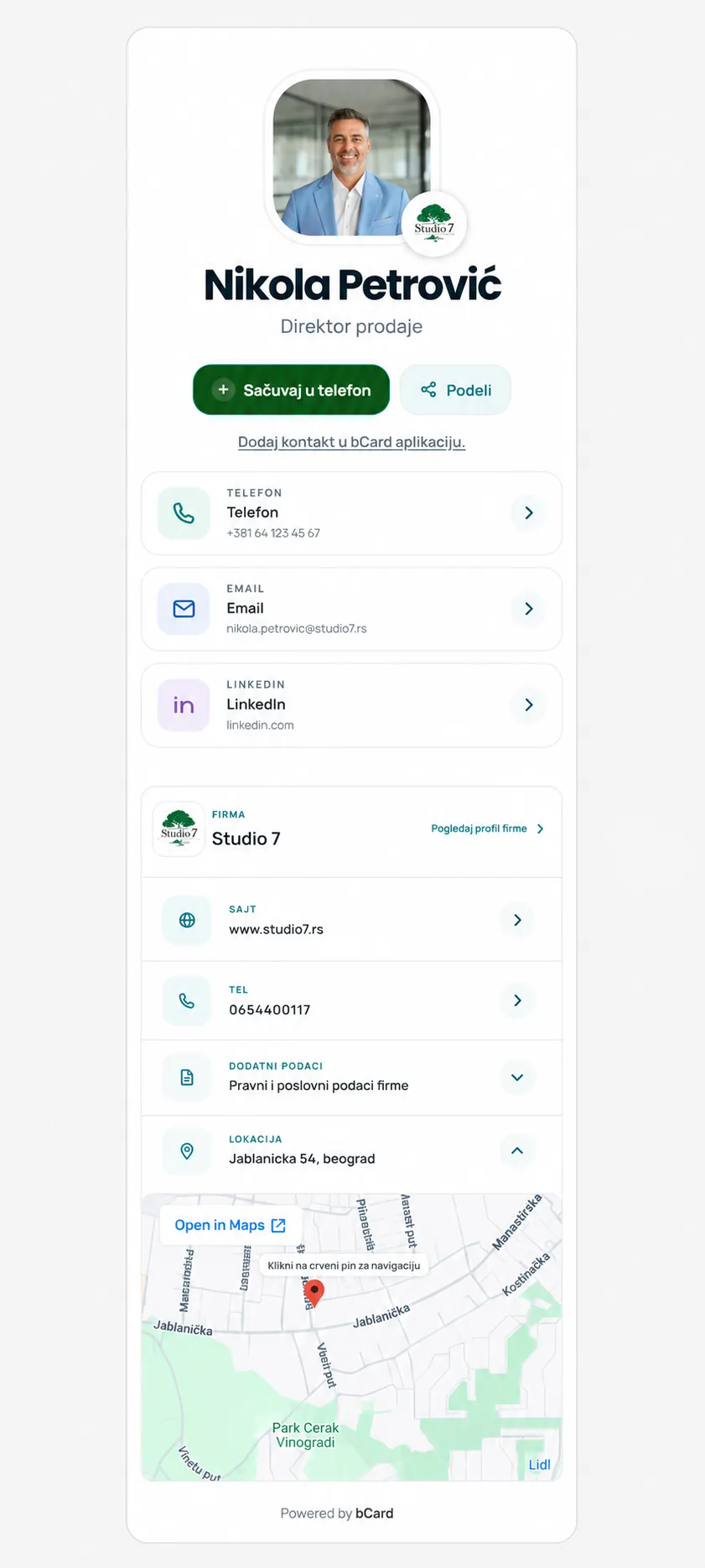
Your card opens in their browser with your contact details and links.
They save your contact
They select “Save contact” and confirm adding it to their phone.
Same link. More ways to share.
Your bCard Link stays the same — share it however you prefer.
Link
Copy the demo card link and open it on another device.
QR code
Scan the QR code to open the same demo card.
 Download QR
NFC card
Tap the optional card to open the same bCard Link.
Explore NFC cardsEmail signature
Add your bCard Link as a hyperlink in your email signature.
Event badge
Attendees connect using a dedicated event profile.
Explore EventsFor individuals
Personal belongs to you: the same person can choose between their Business and Private profiles.
KARTICA 1
Trenutno: Nikola PetrovićŠta deli ova kartica?
Klikni profil koji želiš da kartica prikazuje.
Stabilni bCard Linkbcardlink.com/nikola
Poslovni podaciStudio 7 · Direktor prodaje · poslovni email
Privatni podaciPrivatni telefon · Instagram · portfolio
Business detailsPrivate detailsSame LinkPersonal ActiveThe change is active immediately
For companies
Business centralizes employee business profiles, company branding and rules.
Studio 7
Pregledaj stanje firme i profile zaposlenih.
PREGLED
Stanje firme danas
KAPACITET
8/10Profili zaposlenih
Dodeljeni zaposlenima8
Slobodna mesta2
For events
The Event profile stays separate and uses the Event-only connection flow.

Ana Jovanović
Marketing menadžer
+Moje konekcije
Kontakt se čuva u privatnoj Event listi, odvojeno od telefonskog imenika.
DogađajFuture Connect 2026
Učesnik
Moje konekcije
Kontakt i beleška ostaju privatni.
What happens after a scan?
Your profile appearsThe recipient sees the current bCard profile with its information and links.
They can save your contactPersonal/Business contacts can explicitly save a VCF to the phone.
They open your linksThey can easily reach your website, portfolio and social profiles.
Events stay separateEvent connections first remain inside the private Event flow.
Ready to present your identity the right way?
Choose Personal for yourself or Business for your company.
ProfessionalBuild trust at first glance.
Fast and simpleEverything you need within easy reach.
For companiesA consistent business identity for the team.
Clear controlRights and data stay within the correct product.