
Digital business cards and contacts.
For you, your team or an event.
PersonalYour digital profile.
Your digital profile.
Under your control.
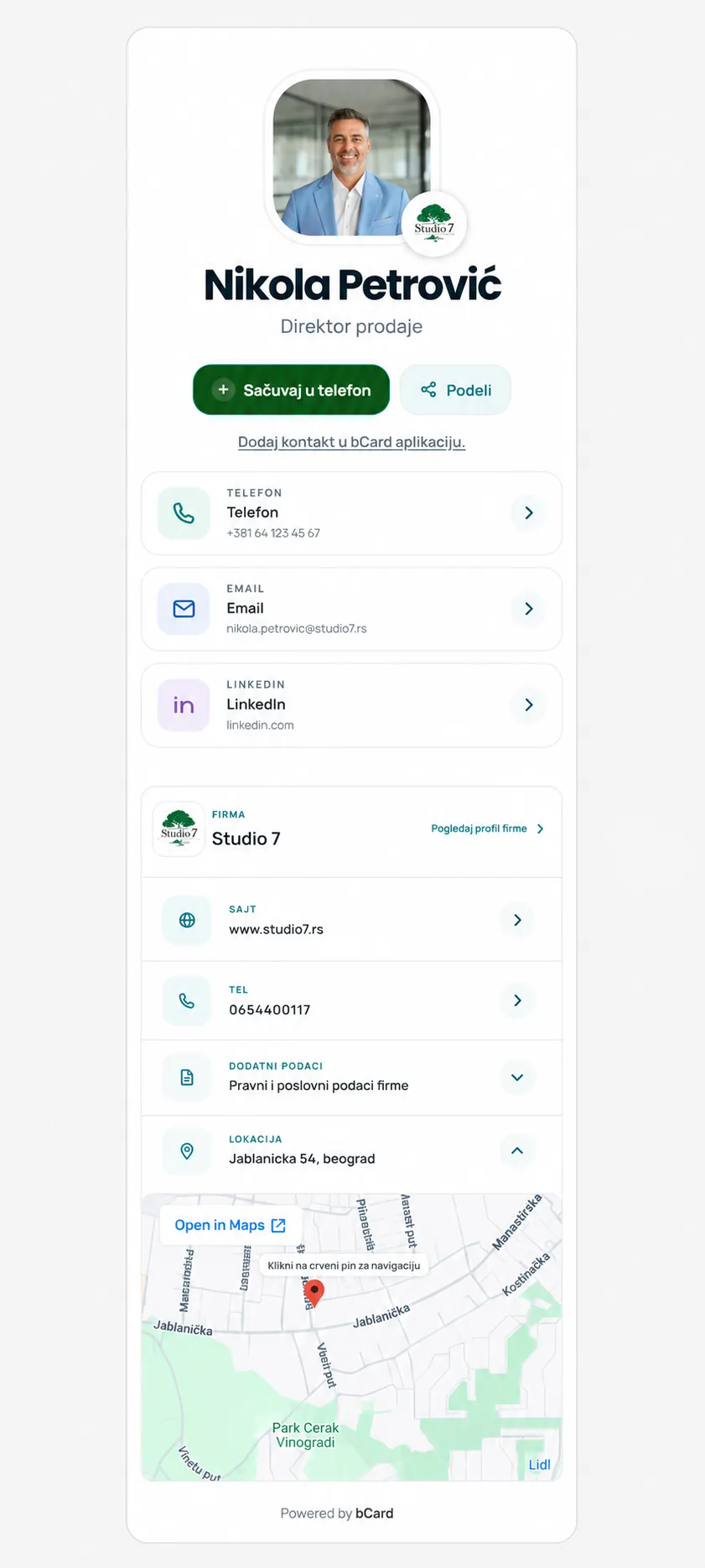
Personal is your digital business card. Choose the contact details and links you share. Edit Profile 1 and Profile 2 and choose which one your bCard Link opens.
↗
The same link
Your bCard link stays the same when you update your details or choose a different profile to display.
◐
Your control
Your Personal profile belongs to you and you manage your own information.
▦
QR code and NFC card
Share your business card with a QR code or hold an optional NFC card against a phone that supports NFC. The code and card stay the same when you update your details.
The same linkYour bCard link stays the same when you update your details.
Your profileYou choose the details for Profile 1 and Profile 2.
QR code and NFC cardYour QR code and optional NFC card open the same business card.
BusinessDigital business cards for your whole team.
Digital business cards for your whole team.
Managed by the company.
Manage employee business cards, company details and profile design from one place. Business starts at 2 employee profiles.
◎
Edit business cards
Edit your company’s existing employee business cards and control who can access them.
≡
Design and editing
Set the logo and design for your team’s cards and choose which details employees can edit.
↗
Business card usage
See how your team’s business cards are used. Employees’ personal profiles and private data stay separate.
Studio 7
Pregledaj stanje firme i profile zaposlenih.
PREGLED
Stanje firme danas
KAPACITET
8/10Profili zaposlenih
Dodeljeni zaposlenima8
Slobodna mesta2
Pregledi profila1.284
Sačuvani kontakti214
Klikovi na linkove486
Deljenja QR + NFC327
Pregledi profila
Dnevni pregledi dodeljenih poslovnih profila firme.
Events · Connect. Share. Remember.From checking in
From checking in
to exchanging contacts.
Track arrivals and let attendees connect through their dedicated event profiles.
- Attendee receives a QR code
Each attendee’s code is linked to their registration and event profile.
- Check in at the entrance
Staff register arrivals or attendees scan a shared code, depending on the organizer’s setup.
- Exchange contacts
Attendees save contacts and notes to their private event list.
▦
Event profile
Attendees use a dedicated event profile and QR code, separate from their Personal profile.
◎
Exhibitor contacts
Authorized exhibitors can record interested attendees by scanning their attendee QR code.
✓
Classic or Self check-in
Both modes are included in Events. The organizer chooses whether staff record arrivals or attendees check themselves in by scanning a shared QR code.

Ana Jovanović
Marketing menadžer
+Moje konekcije
Kontakt se čuva u privatnoj Event listi, odvojeno od telefonskog imenika.
DogađajFuture Connect 2026
Učesnik
Moje konekcije
Kontakt i beleška ostaju privatni.
One bCard family. Three clear ways to work.
Choose Personal for yourself, Business for your company or Events for an event.