
One link. Your identity.How bCard
How bCard
works
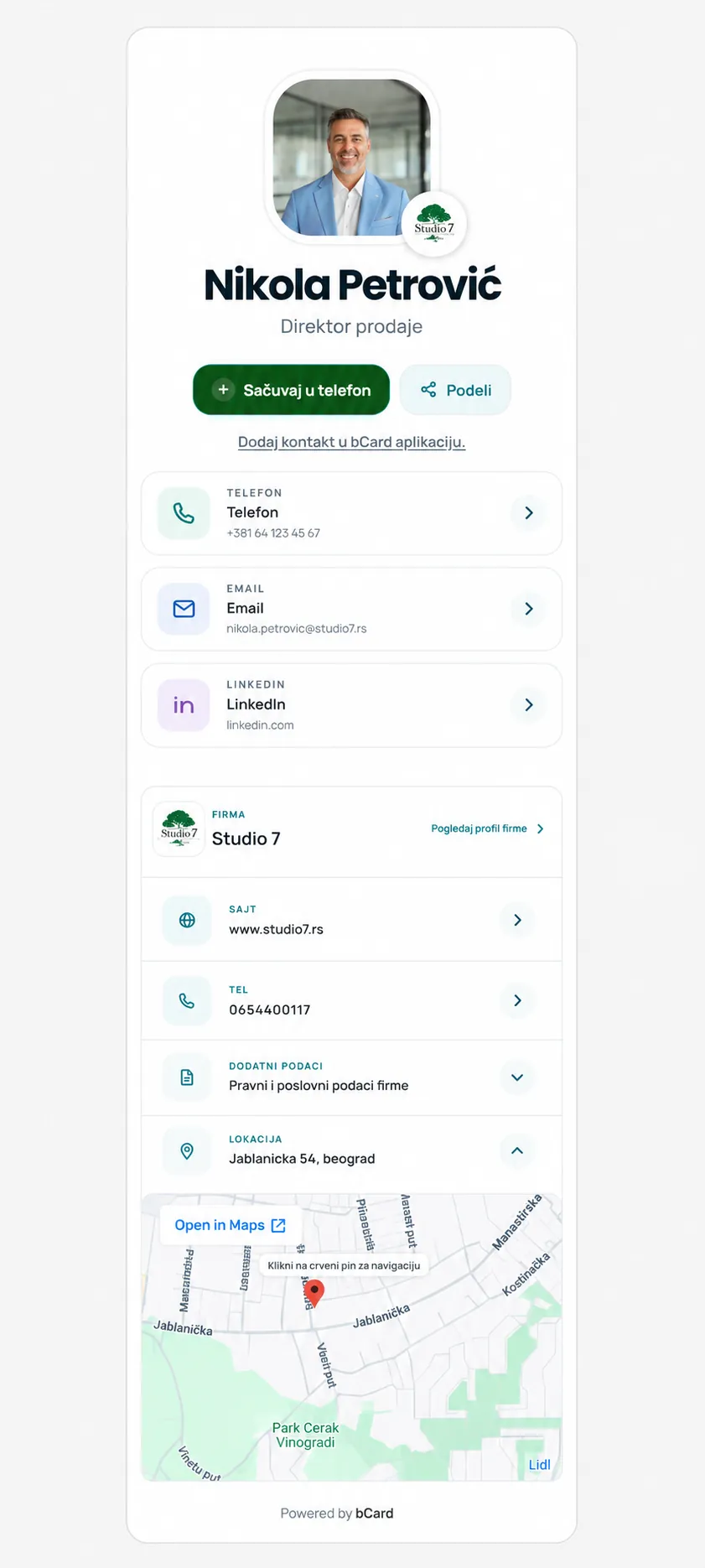
One stable link you can share however you want — by link, QR code or optional NFC card.
Fast profile setupNo app requiredAlways up to date
Studio 7
Pregledaj stanje firme i profile zaposlenih.
PREGLED
Stanje firme danas
KAPACITET
8/10Profili zaposlenih
Dodeljeni zaposlenima8
Slobodna mesta2
bCardNFC optional
Simple in 4 steps
Create your profile
Add your information, links and brand details in one place.
Choose what you share
Choose which of your profiles the stable bCard Link should open.
Share Link, QR or NFC
Share the stable Link or QR code and add a physical NFC card only if you want one.
Connect and stay in touch
People save your contact, open your links and stay connected.
Same link. More ways to share.
Your bCard Link stays the same — share it however you prefer.
bcardlink.com/nikola
Link
Send the link anywhere.
Copy linkQR code
Print it or show it on screen.
Download QRNFC card
Optional physical carrier that opens the same Link.
Order cardEmail signature
Add the stable Link to your email signature.
Add signatureEvent badge
Connect at conferences and events.
Create badgeFor individuals
Personal belongs to you: the same person can choose between their Business and Private profiles.
KARTICA 1
Trenutno: Nikola PetrovićŠta deli ova kartica?
Klikni profil koji želiš da kartica prikazuje.
Stabilni bCard Linkbcardlink.com/nikola
Poslovni podaciStudio 7 · Direktor prodaje · poslovni email
Privatni podaciPrivatni telefon · Instagram · portfolio
Business detailsPrivate detailsSame LinkPersonal ActiveThe change is active immediately
For companies
Business centralizes employee business profiles, company branding and rules.
Studio 7
Pregledaj stanje firme i profile zaposlenih.
PREGLED
Stanje firme danas
KAPACITET
8/10Profili zaposlenih
Dodeljeni zaposlenima8
Slobodna mesta2
For events
The Event profile stays separate and uses the Event-only connection flow.

Ana Jovanović
Marketing menadžer
+Moje konekcije
Kontakt se čuva u privatnoj Event listi, odvojeno od telefonskog imenika.
DogađajFuture Connect 2026
Učesnik
Moje konekcije
Kontakt i beleška ostaju privatni.
What happens after a scan?
Your profile appearsThe recipient sees the current bCard profile with its information and links.
They can save your contactPersonal/Business contacts can explicitly save a VCF to the phone.
They open your linksThey can easily reach your website, portfolio and social profiles.
Events stay separateEvent connections first remain inside the private Event flow.
Ready to present your identity the right way?
Choose Personal for yourself or Business for your company.
ProfessionalBuild trust at first glance.
Fast and simpleEverything you need within easy reach.
For companiesA consistent business identity for the team.
Clear controlRights and data stay within the correct product.